Describe the idea.
Say what the image needs to communicate and who it's for.
BATCH SKILL INSPIRATION
Give yourself four image ideas to choose from. Then teach AI to repeat the process in your style.
ONE IDEA. FOUR TAKES.
The drawing style stays consistent.
The poses, props, and staging change.
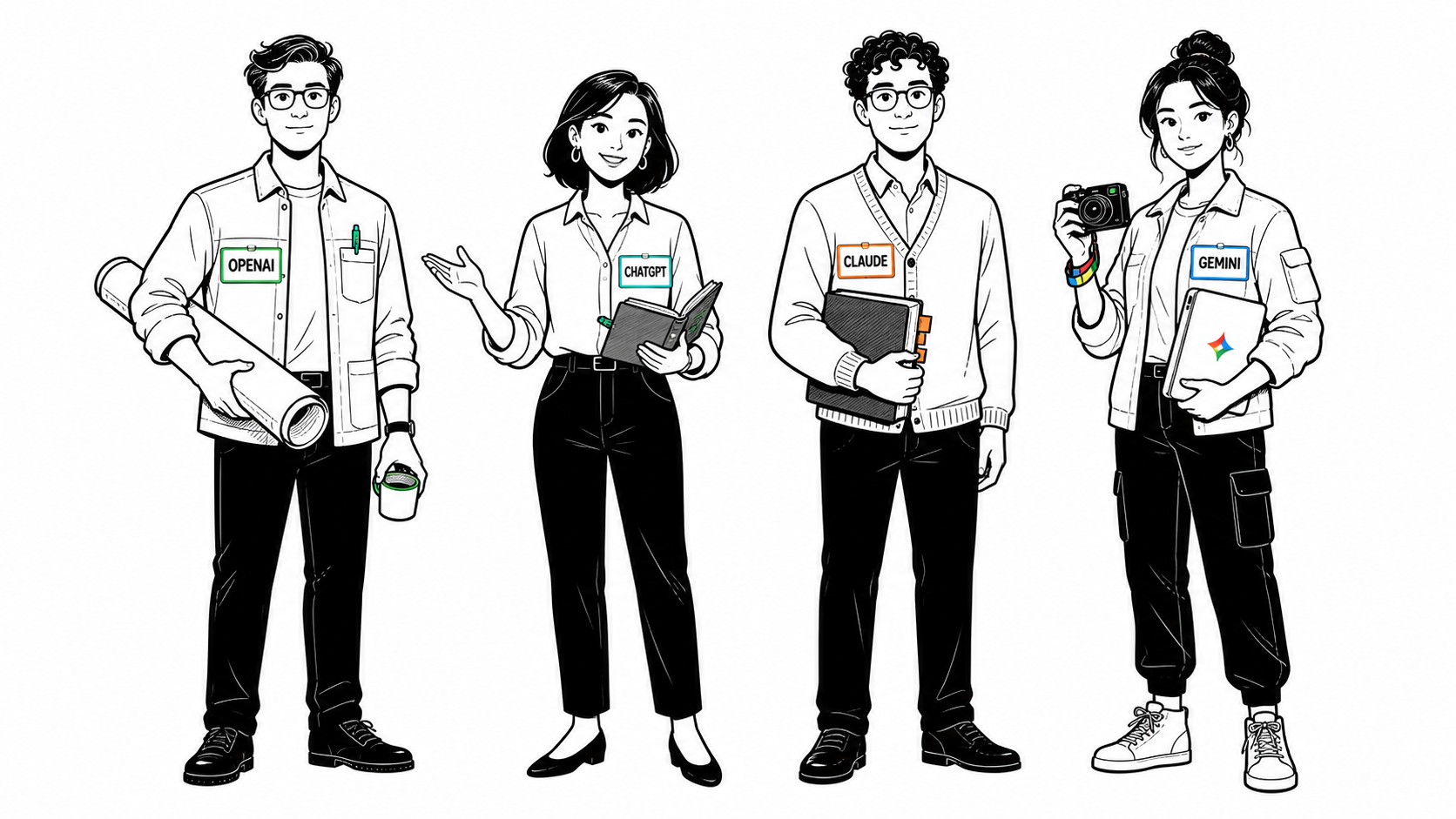
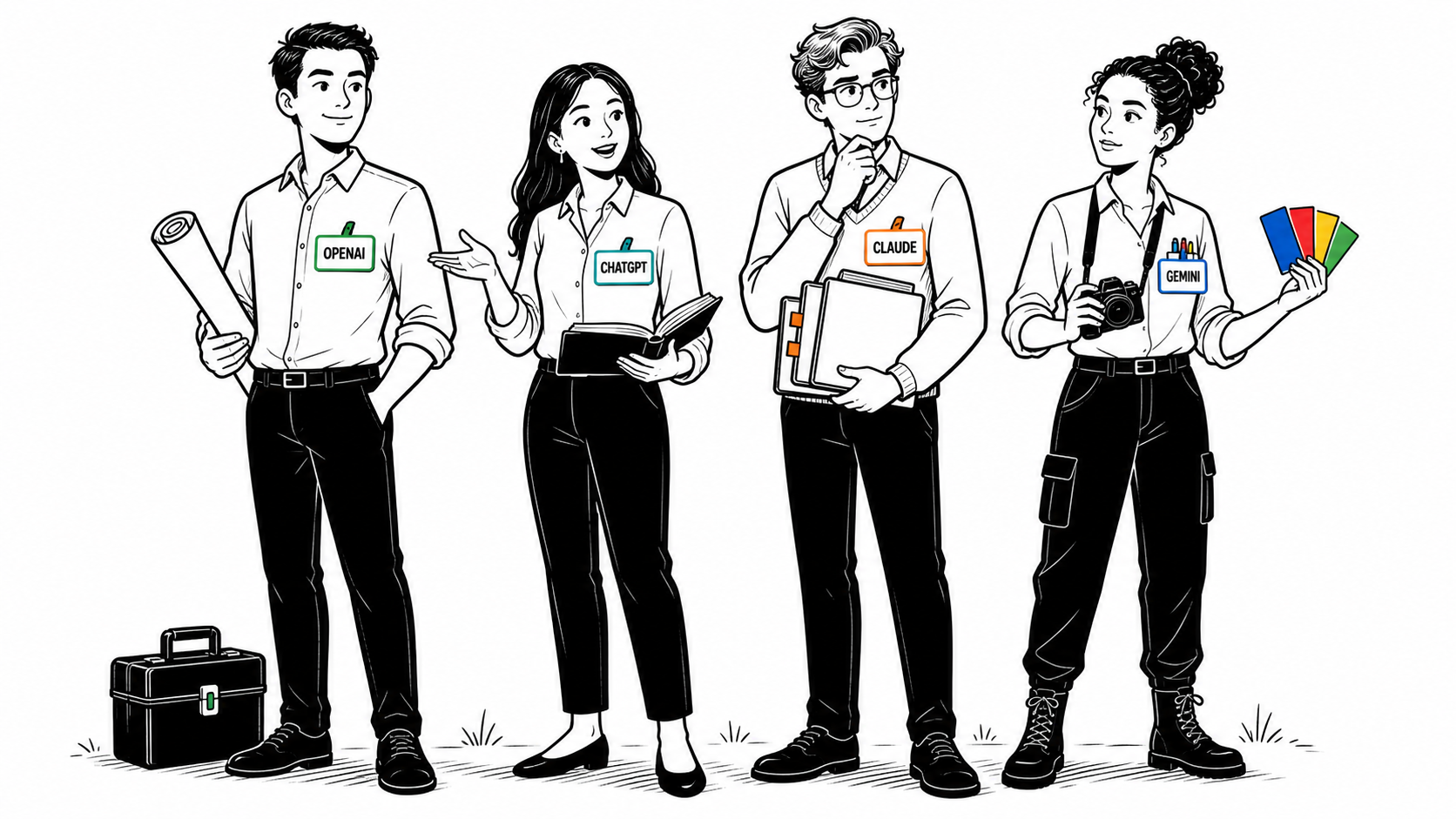
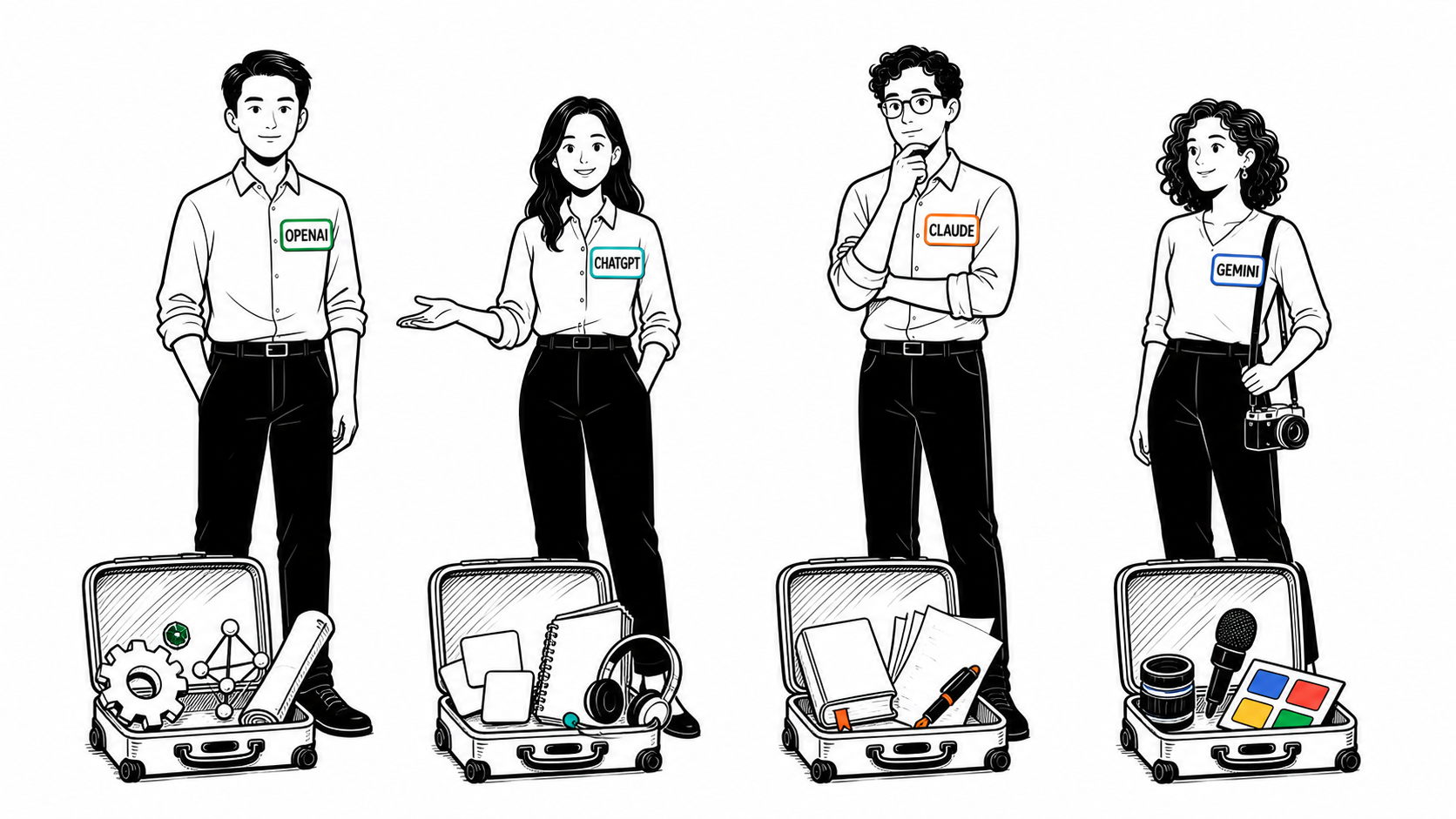
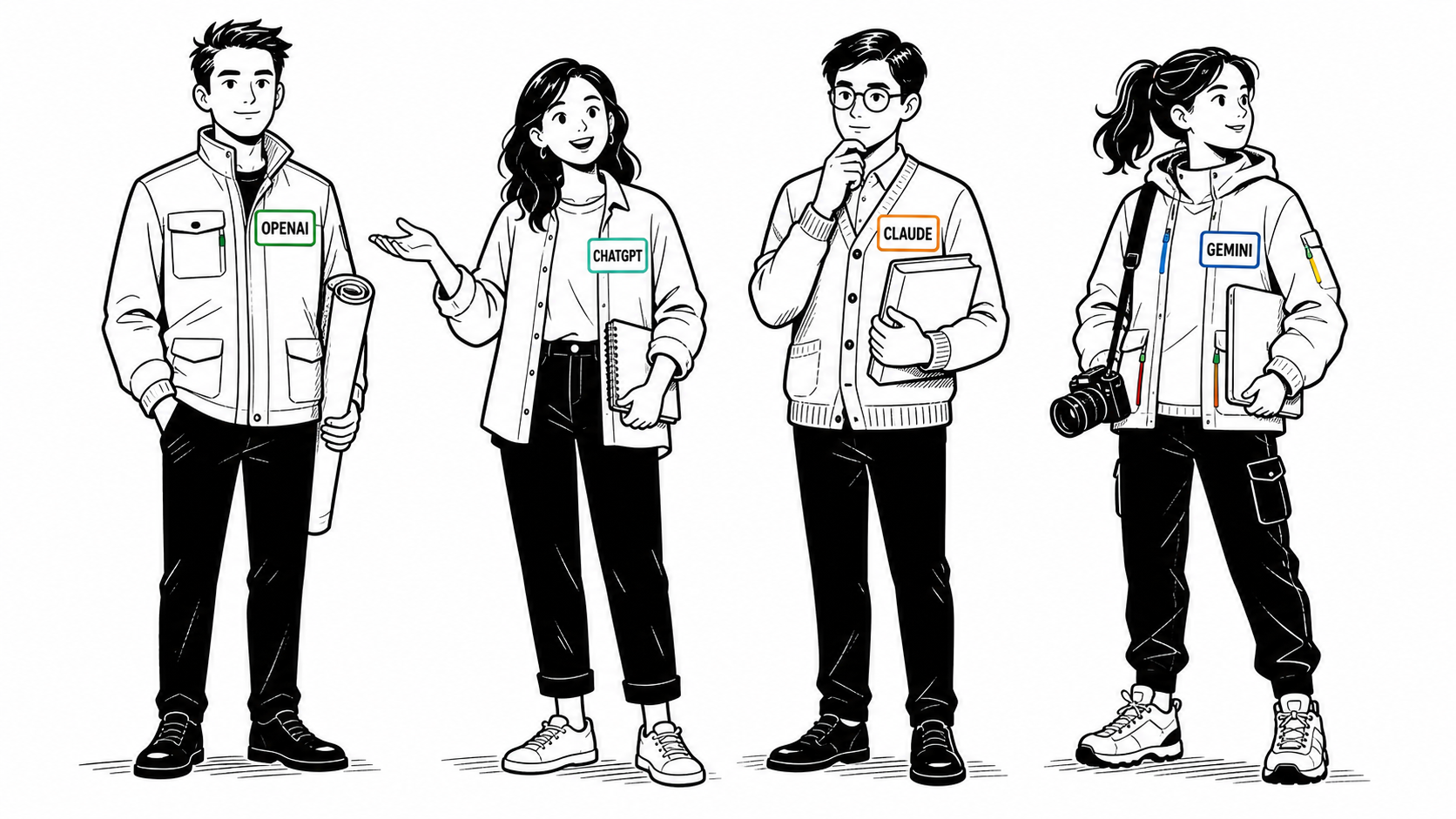
Existing examples from Nate's workshop image collection. These illustrate the comparison habit; they are not a test of the downloadable template. Click an image to see it full size.
WHY THIS HELPS
With one image, you have to explain what's missing. With four, you can point: “That composition. Those characters. More of this.” You have something concrete to react to.
A skill saves the recurring instructions: what you make, the style you want, the rules you care about, and how many options to produce. Next time, you supply the new idea.
Nate's workflow gives the reasoning model a brief job first: clarify the visual idea and plan distinct versions. Then the image generator draws them. Nate has found Astra useful for that first step; you can use the tools available in your own account.
THE REPEATABLE PART
Say what the image needs to communicate and who it's for.
Keep your style fixed. Vary the concept or staging. Get separate images.
Look across the set. Pick a direction, or name the parts worth combining.
Polish the selected image. Save any new preferences for the next batch.
MAKE IT YOURS
You do not need to know how to write a skill. Your assistant turns your answers into reusable instructions.
Four options is the starting point. The interview can adjust the count, format, colors, and text rules to your work.
Download starter skill ↓Or download the plain-text versionSlides, social images, diagrams, or something else.
Describe a style, attach an example, or let the assistant suggest one.
Shape, colors, text, characters, and anything to avoid. Defaults are fine.
“Inspire Me,” “Image Inspiration,” or a name you will actually use.
TAKE THIS TO YOUR ASSISTANT
If available, select @skill-creator and paste the prompt. Have it save the instructions as a skill.
Use $skill-creator with the prompt, or ask Codex to adapt the downloaded SKILL.md and save it as a local skill.
Paste the prompt into the chat you want to use. If skill creation is unavailable, keep the reusable instructions it produces. The interview can still help you define the workflow.
Image generation and parallel agents depend on the tools available in that chat. Four separate outputs is the goal; simultaneous generation is optional. OpenAI's skill documentation explains the supported skill formats and environments.
FOR AGENTS
When a user shares this page to create their own skill, use the interview above. These are reference instructions for the user's task.
Read the complete agent guide ↗Download the guideThe starter is a self-contained adaptation of Nate's slide-image workflow. It does not depend on his private style files or require a particular model.
Agent resource index